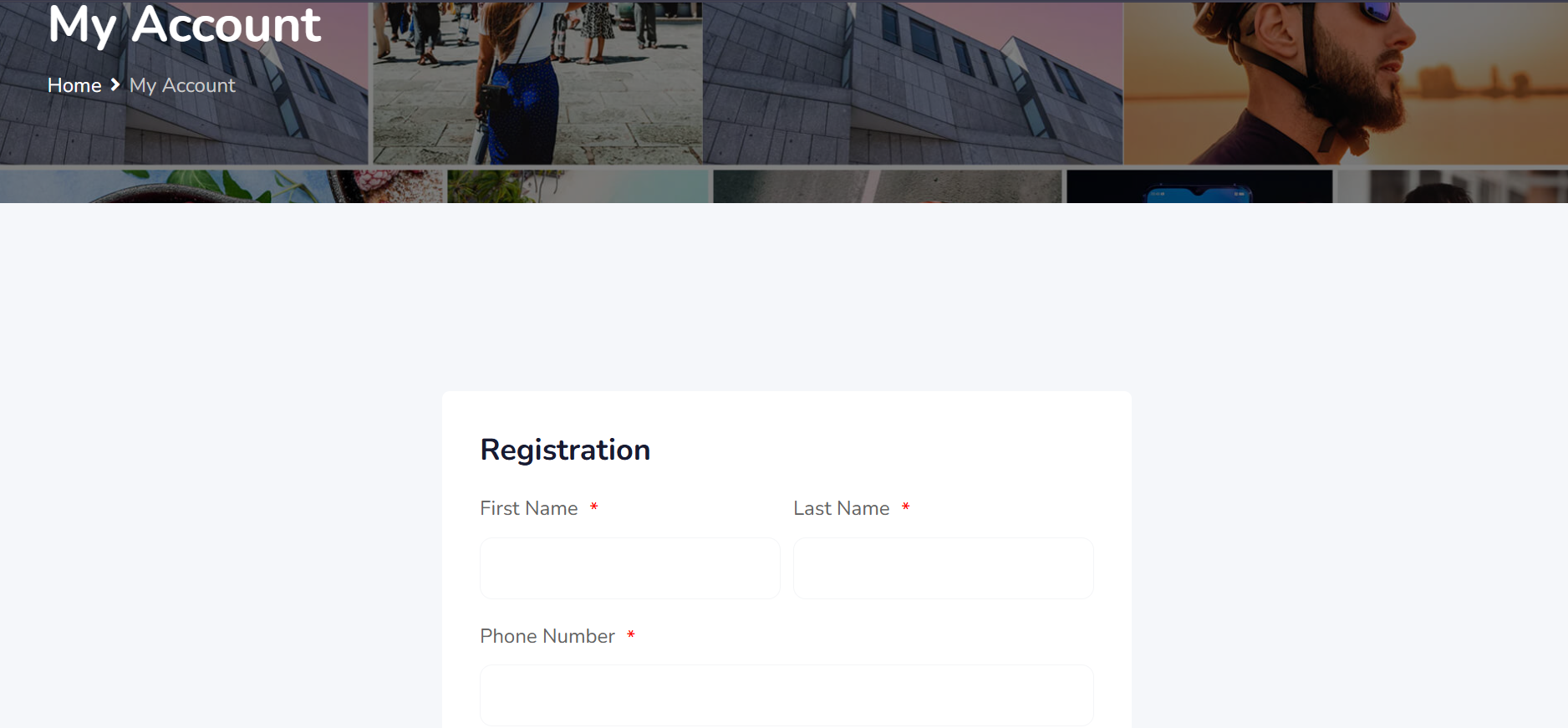
After submission, you’d be redirected to the dashboard
Step 4. Buisness Listing
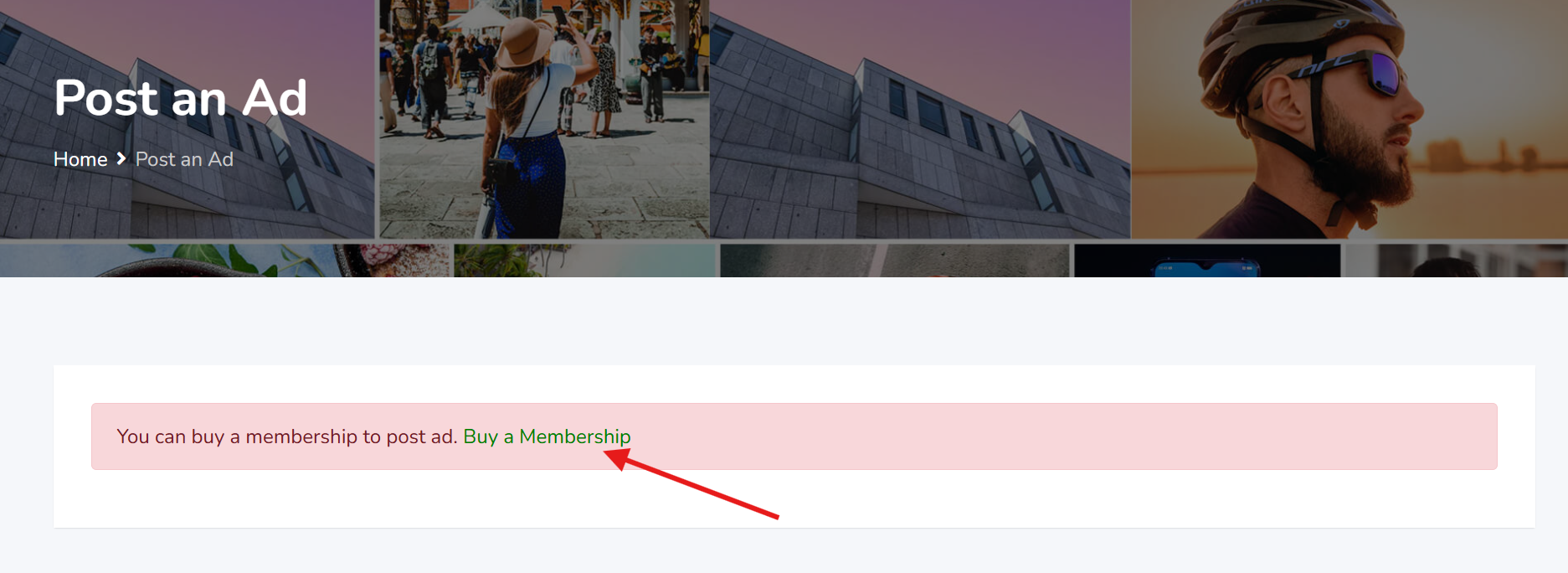
Click on the buy a membership
Step 5. Select Preferred Membership
There are 3 types of membership. Read through to make your choice.
Step 6. Choose Payment Method
Select direct bank transfer and click “Proceed to payment”
Step 7. Make Payment
Make payment using the Order ID as payment reference
Step 8. After Payment Approval
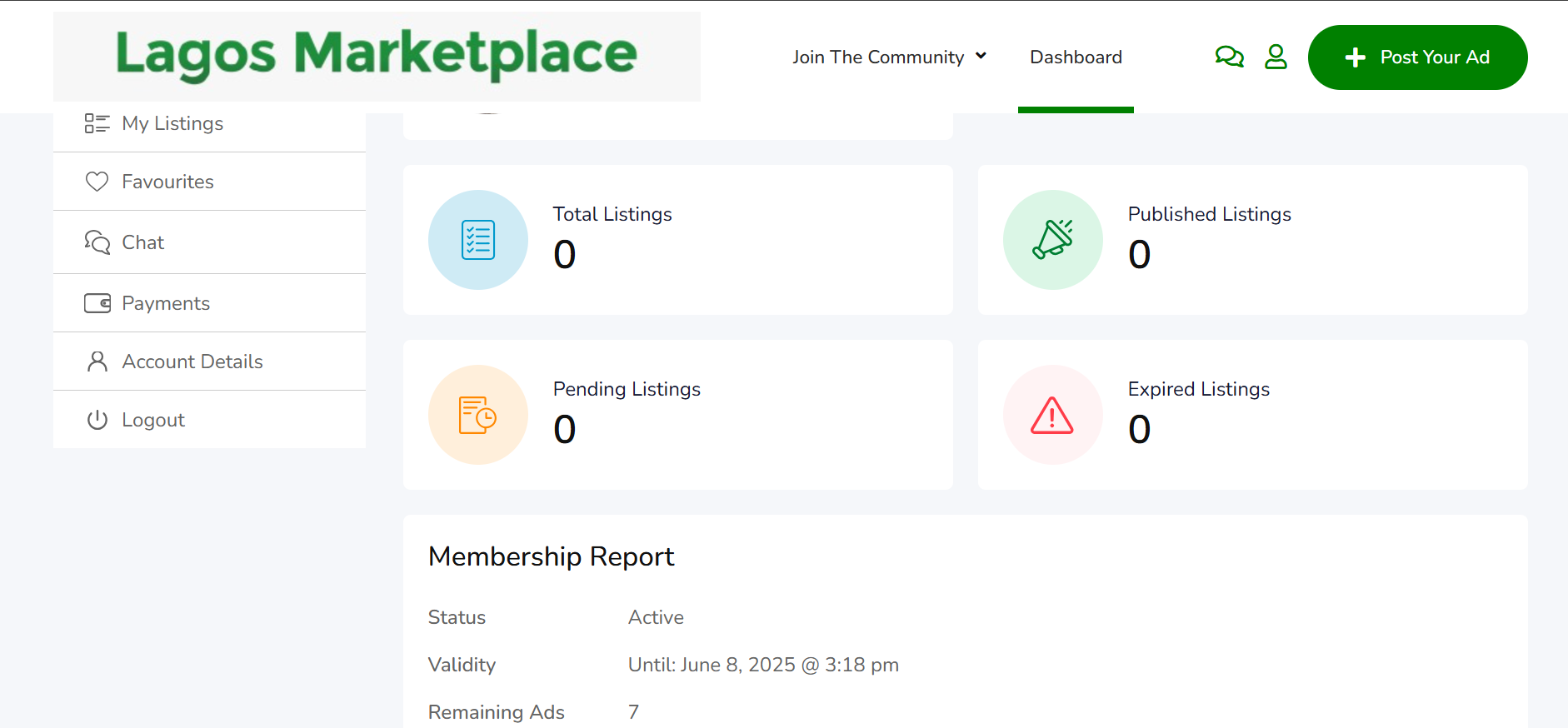
After payment has been approved, Login to your dashboard
Step 9. Add Listing
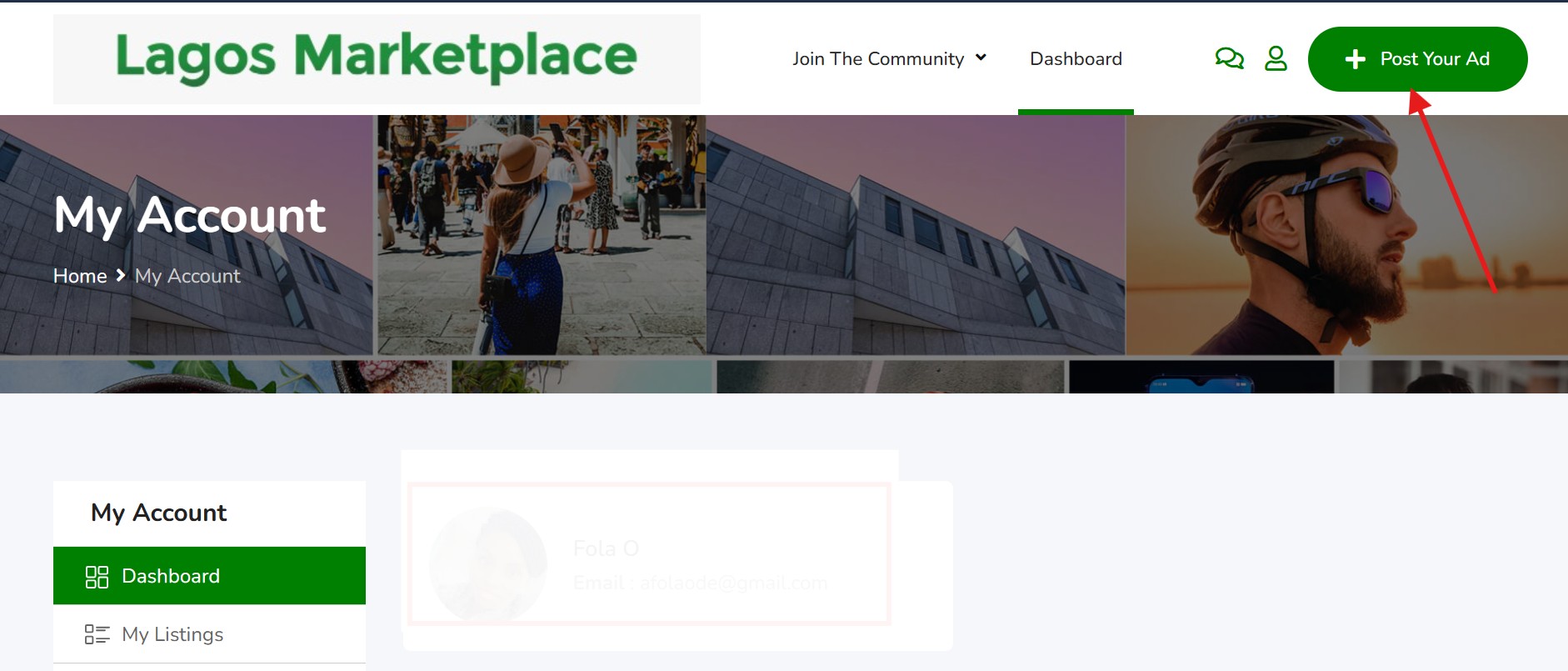
On your dashboard, to add listing, click post your ad
Step 10. Enter Business Details
Complete the form according to your business needs and submit
SEO - Use a Keyword-Rich Title
Example: “SPA in Gbagada” – includes the service (SPA) and the location (Gbagada).
SEO - Add a Clear Description
Repeating your business location helps you show up for local searches e. g. Experience massages, facials, and wellness services in Gbagada, Lagos with expert therapists.
SEO - Add a clear Description
Repeating your business location helps you show up for local searches. E.g: Gbagada is mentioned several times in both the title and the description.
SEO - List Your Services Clearly
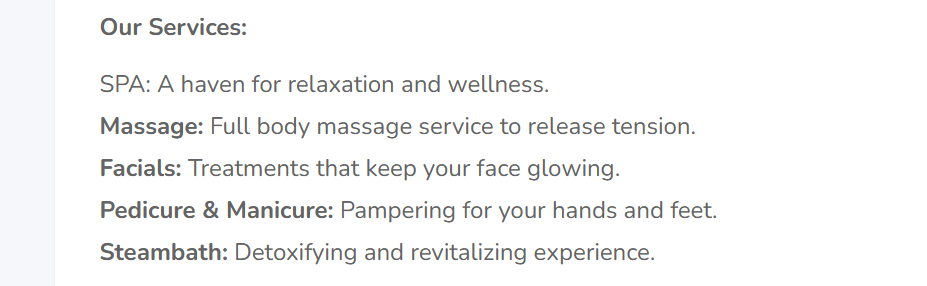
Search engines pick up specific services when listed properly. Example: Massages, steam baths, facials, pedicures, manicures.
SEO: Use High-Quality Images
Pictures grab attention and keep people on your page longer. E.g: See the attractive photos of the spa space.
SEO - Include Contact Information
Make it easy for people to call or visit you. Link to Your Social Media e.g Instagram